
About
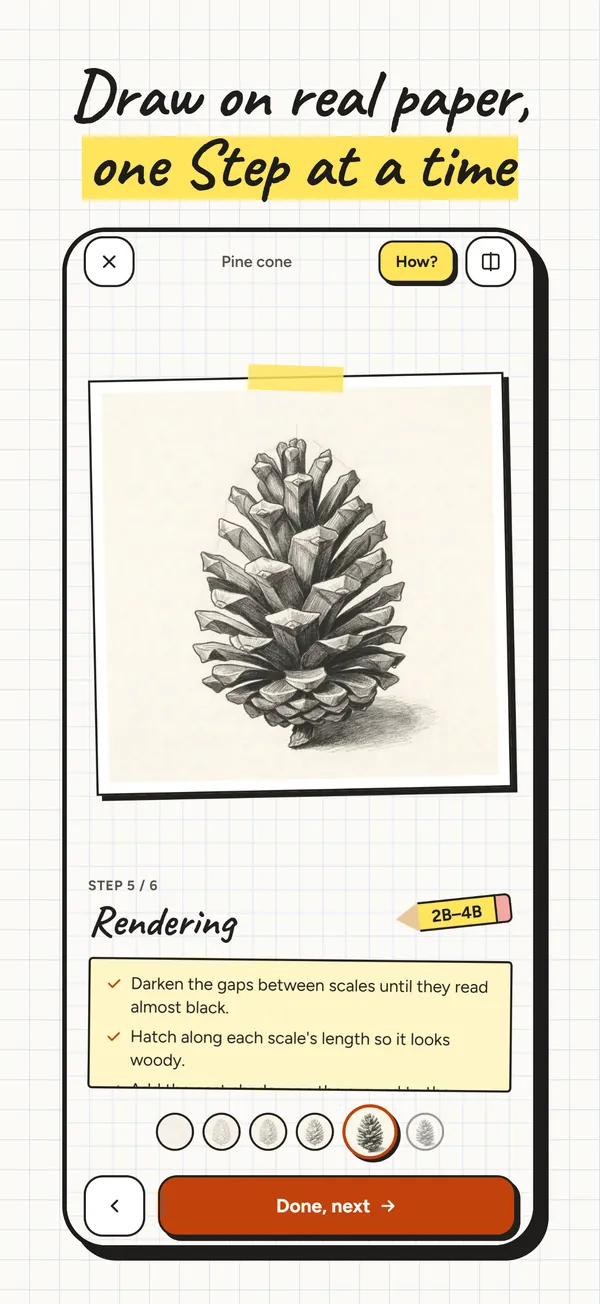
Lapis teaches pencil drawing on real paper. Put your phone next to a sheet of paper: at every Step, Lapis shows what the paper should look like now, from the first few light lines to light and shadow. You draw on paper, not on the screen.
How a Lesson works
- A Lesson is one drawing, such as a bottle, an apple or a pine cone, taken apart into Steps.
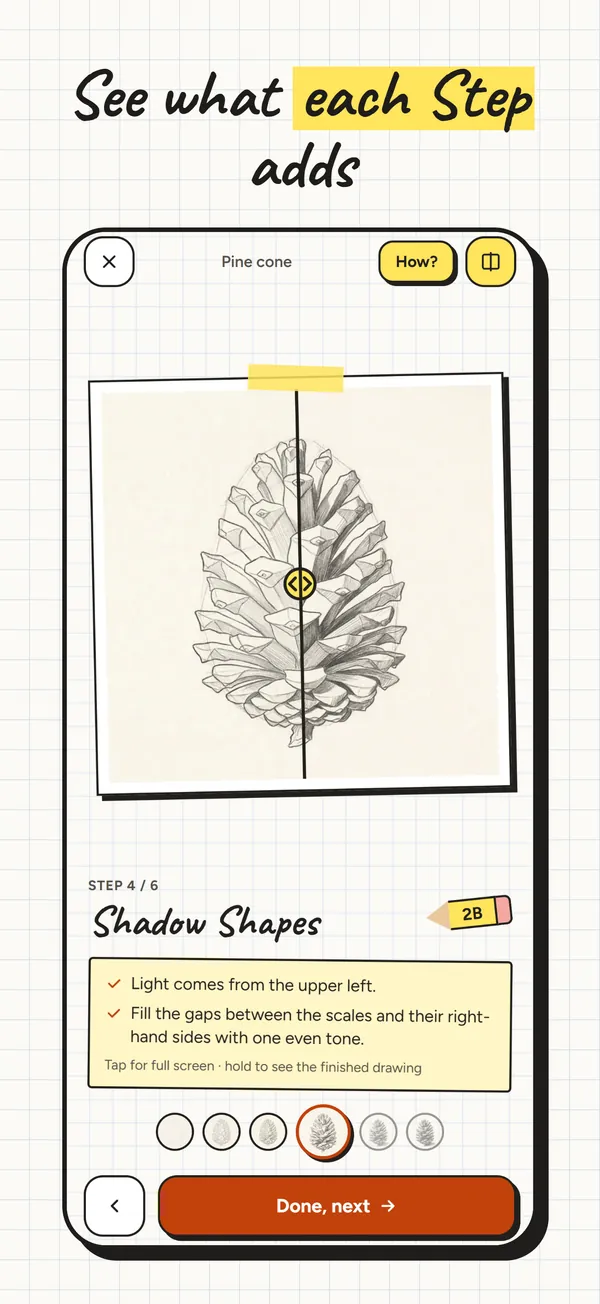
- Each Step shows the drawing as it should look at that point, a few short instructions and the pencil to use (2H for light lines, HB, 2B for the darks).
- Compare shows what this Step adds to the last one, so you can see exactly which lines are new.
- Tap the image for full screen; hold it to see the finished drawing.
- When the paper matches, tap Done, next.
The Path
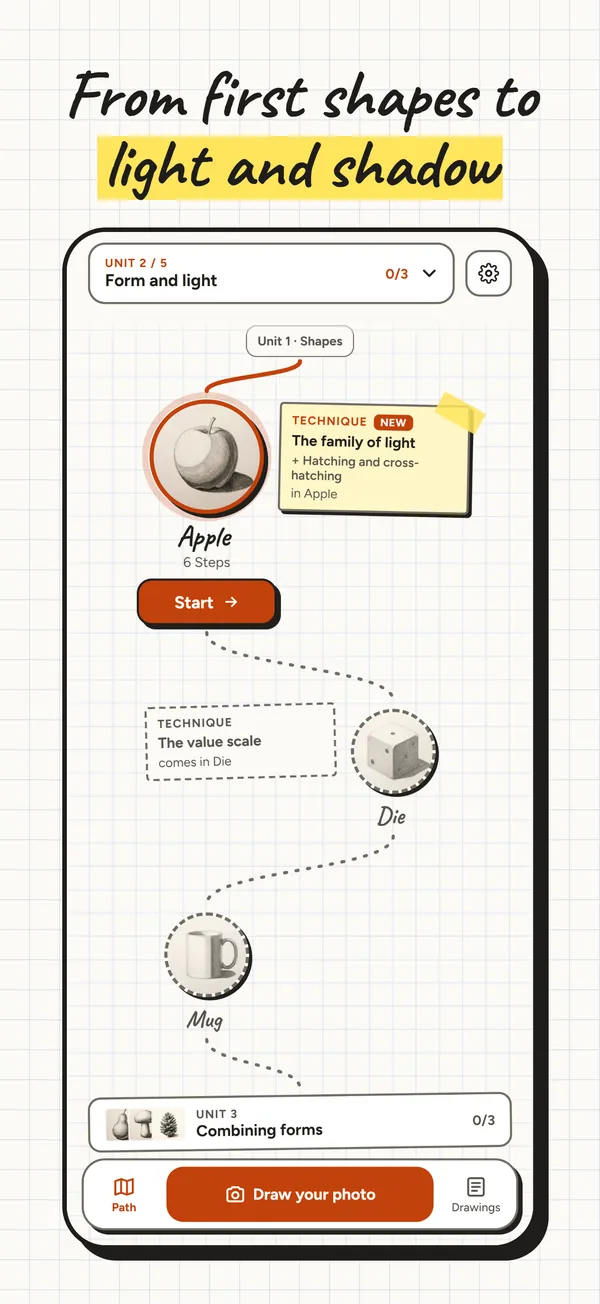
Lessons are arranged in Units, each building on the one before: Basics, Shapes, Form and light, Combining forms, Texture and material and Perspective.
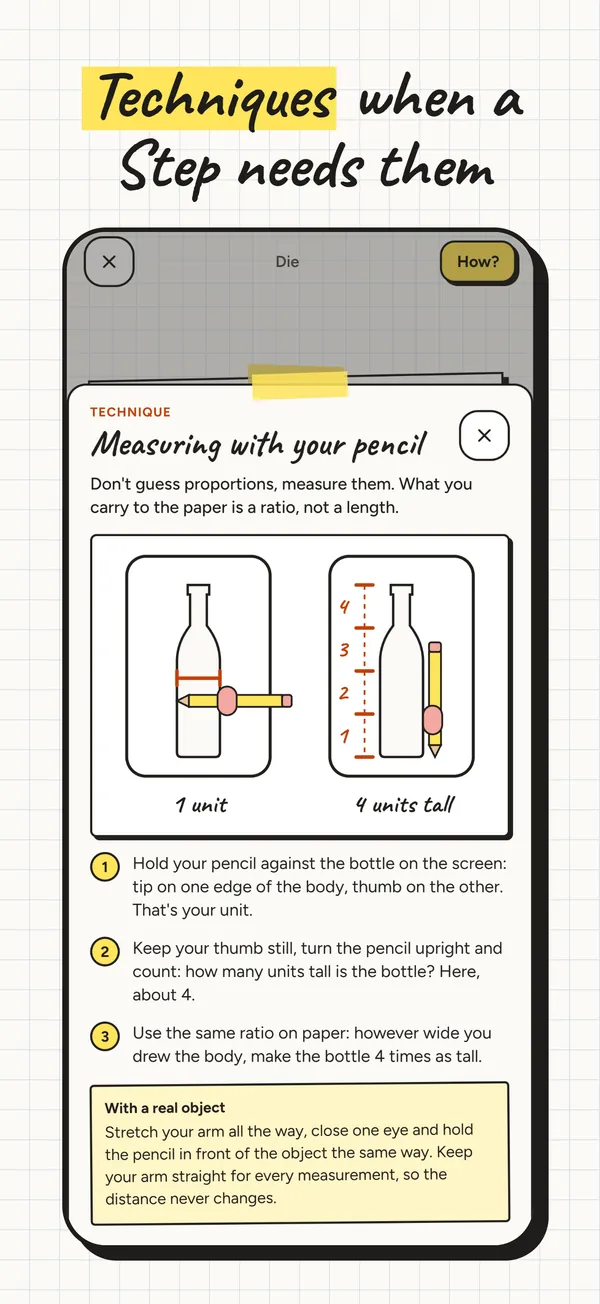
When a Step needs a new technique, such as measuring with your pencil, the value scale or hatching, a short technique card explains it right there.
Photo Guide
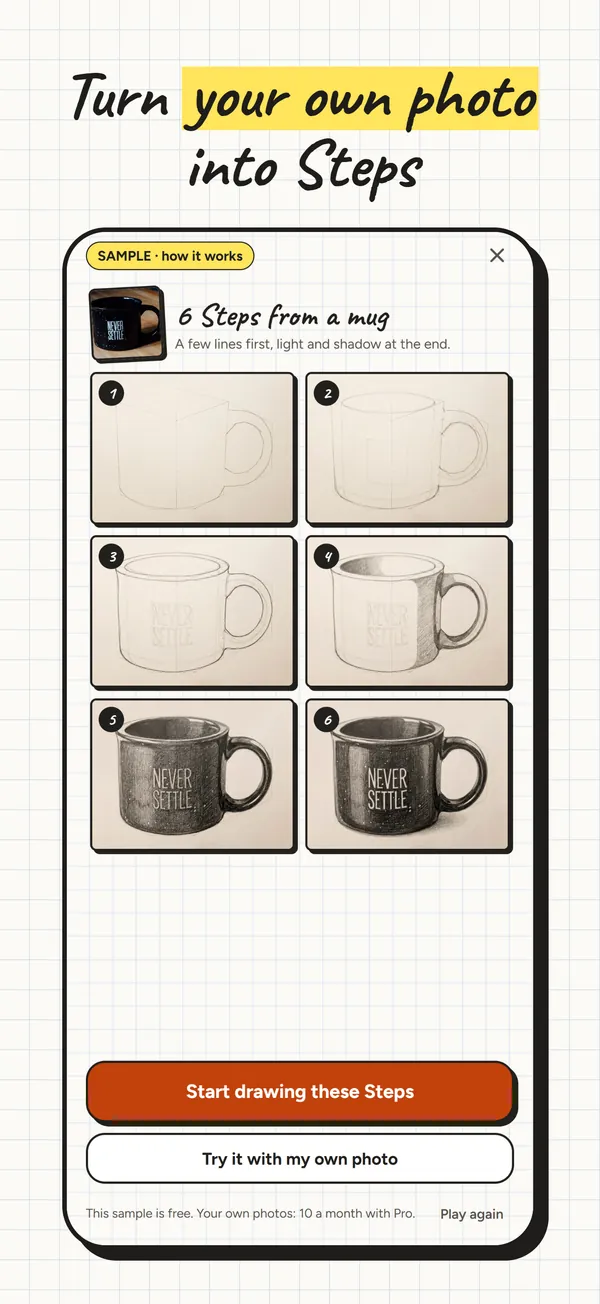
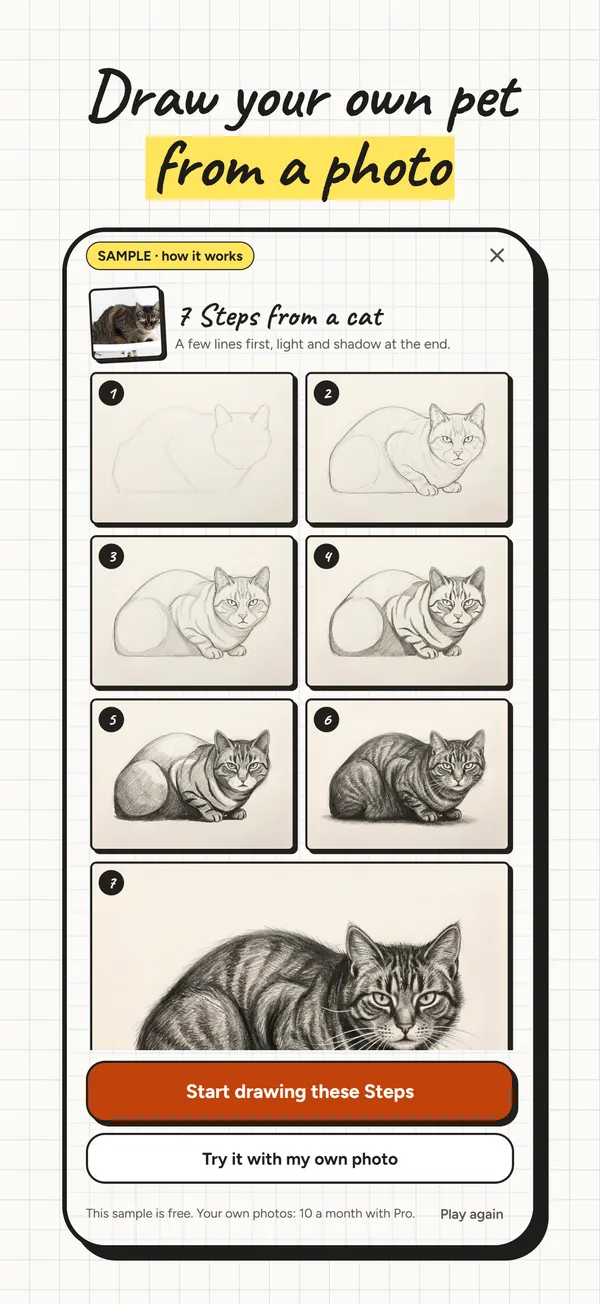
Photo Guide turns a photo of your own into drawing Steps: a few lines first, then light and shadow, the same way a Lesson works.
- Take a photo or choose one: a single subject works best, like a mug, a fruit or your pet.
- Lapis cuts the subject out on your phone, then an AI service prepares the Steps.
- Before the first photo leaves your phone, Lapis asks for your permission. Photos are used only to make your Steps; they are not kept and not used to train AI.
- A finished sample Photo Guide, a cat in 7 Steps, is free to try, so you can see how one works first.
What you need
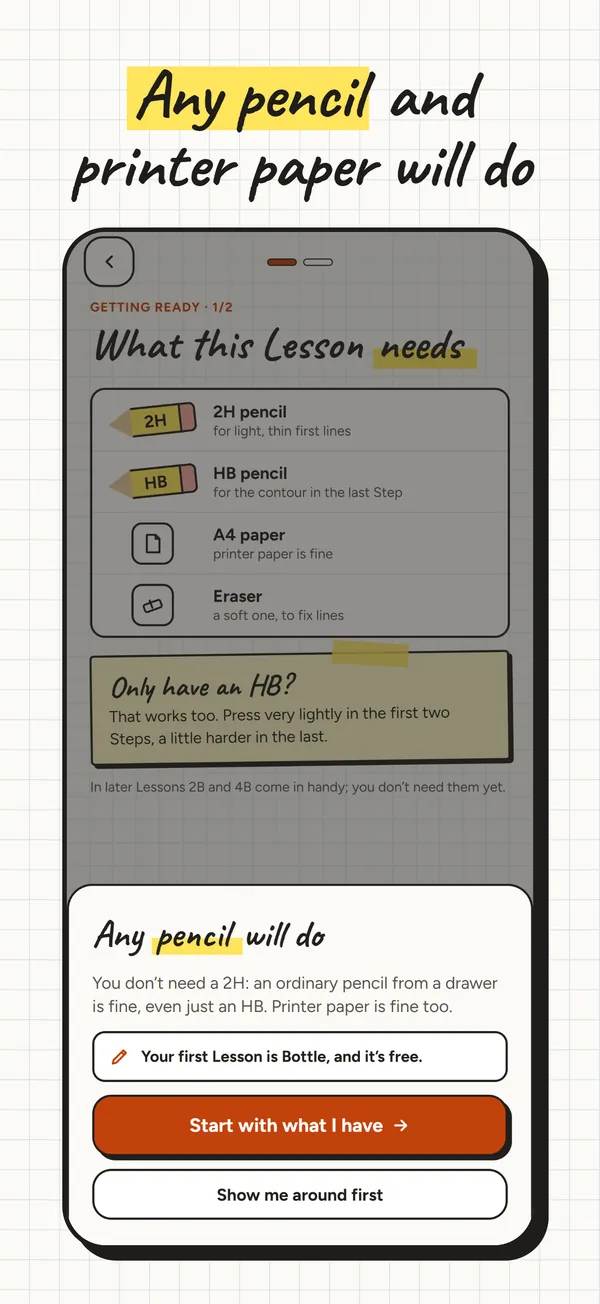
Any pencil and printer paper will do, plus an eraser. A 2H, an HB and a 2B help in later Lessons, but an ordinary HB is enough to start.
Your drawings
Finished drawings collect in Drawings, with the time you spent at the paper. Add a photo of your drawing and Lapis puts it next to the original in a Share Card. A daily reminder, at a time you choose, is optional.
Free and Pro
- Free: the Basics and Shapes Units, and the sample Photo Guide.
- Lapis Pro: every Lesson and 10 Photo Guides a month. Yearly, with a 7-day free trial that includes 1 Photo Guide, or monthly. Prices are shown in the App Store in your currency.
- Cancel any time in your iPhone's subscription settings.
Privacy
No account and no sign-in. Usage statistics and crash reports are sent only if you allow them, and each can be turned off in Settings. Your drawings and Photo Guide Steps stay on your phone. Details are in the Privacy Policy.
Requirements
An iPhone. Lessons work offline; Photo Guide needs an internet connection. Lapis is in English.